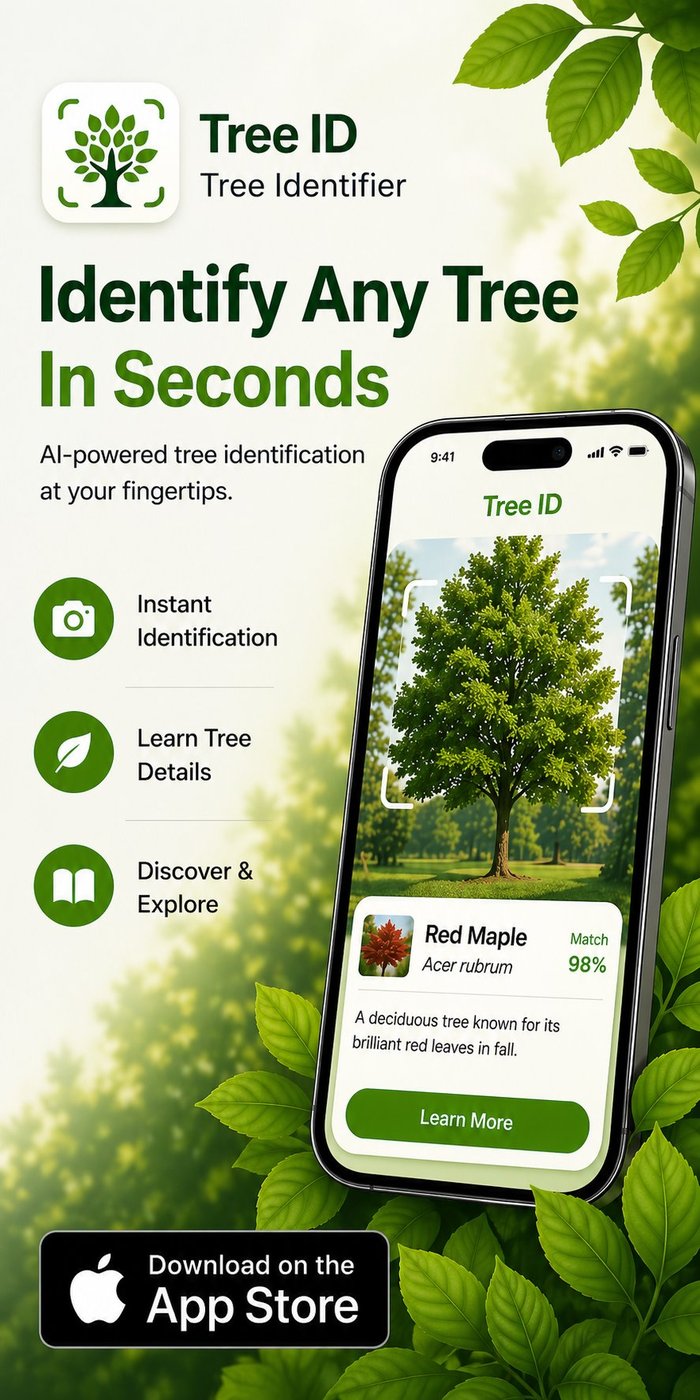
TL;DR: The fastest answer to "what type of tree is this?" is a phone, a clear photo of a leaf or bark, and an AI tree identification app. The whole process takes about 30 seconds. Without an app, you can narrow it down significantly by checking leaf arrangement (opposite vs alternate), leaf type (simple, compound, needle), and overall shape — these three observations alone separate most trees into broad families. This guide walks through both the app workflow and the manual one, plus what to do when the AI keeps getting it wrong.
📌 The 30-second rule: snap a clean photo of one leaf against your hand or the sky, tap to focus, run it through a tree ID app. Right answer about 80% of the time on the first try.
The 5-minute method
If you have a phone with you — which you do — identifying an unknown tree is fast. Here's the workflow that works for the most users with the highest success rate:
- Open a tree identification app. Tree Identifier, PictureThis, PlantNet, or iNaturalist all work.
- Pick the best feature available. A healthy leaf if leaves are on the tree. Bark if it's winter. A flower or fruit if any is visible.
- Photograph cleanly. Fill the frame, plain background, tap to focus, good light.
- Submit and check the result. Note the species name and confidence score.
- Verify if confidence is low. If the app shows a low-confidence match (under 60-70%), take a second photo of a different feature and try again.
For 80% of trees most people encounter — backyard trees, neighborhood street trees, common trail trees — this whole process takes under a minute and produces the right answer. The remaining 20% are edge cases: cultivars, hybrids, very young trees, or unusual species that confuse the AI.
Clues you can read yourself in 30 seconds
Even without an app, three simple observations separate most North American trees into broad categories:
1. Leaf arrangement
Look at how leaves attach to the branch:
- Opposite arrangement — leaves grow in pairs, one on each side of the branch at the same point. Includes: maples, ashes, dogwoods, horse chestnut, viburnums. Memorize MAD-Cap-Horse: Maple, Ash, Dogwood, Caprifoliaceae (viburnum family), Horse chestnut.
- Alternate arrangement — leaves grow staggered along the branch, one at a time. Includes: oaks, hickories, birches, elms, beeches, willows, sycamores, most fruit trees. This is the majority of deciduous trees.
- Whorled arrangement — three or more leaves at each point. Rare. Catalpa is the most common example.
Just knowing opposite vs alternate eliminates 80% of possible species in one observation.
2. Leaf type
- Simple — one leaf on each stem. Maples, oaks, beeches, birches, sycamores.
- Compound — multiple leaflets on a single leaf stem. Walnuts (many leaflets in two rows), ash (5-9 leaflets), hickory (5-7 leaflets), locust (small rounded leaflets), sumac.
- Needle or scale — long thin needles (pines, firs, spruces) or tiny overlapping scales (cedars, junipers, arborvitae).
If a tree has compound leaves and opposite arrangement, you've narrowed it to ash, boxelder, or a few rare options. Compound + alternate is walnut, hickory, locust, or sumac. The combination is highly diagnostic.
3. Overall shape and size
- Vase-shaped — American elm, zelkova
- Columnar — Lombardy poplar, certain cypresses
- Pyramidal / conical — firs, spruces, young oaks
- Weeping — willow, weeping cherry
- Rounded / oval — most maples, most oaks
- Spreading horizontal — mature beech, mature white oak
For mature trees in open spaces, overall shape is highly diagnostic. For young trees or crowded forest trees, shape is less reliable because trees adapt their form to available space and light.
Putting it together
"What is this tree?" → look at the leaves: opposite arrangement, simple leaves with 5 deeply-cut lobes, sharp points → that's a maple (probably sugar maple or red maple depending on leaf detail). One observation chain, 30 seconds, narrowed to two species.
What to do if the app keeps getting it wrong
When an app misidentifies a tree repeatedly, the problem is usually one of:
- Photo quality. Out of focus, busy background, mixed lighting. Retake with deliberate framing.
- Wrong feature. Try a different part of the tree — leaf instead of bark, bark instead of leaf, fruit if available.
- Cultivar or hybrid. The AI identifies the parent species but misses cultivar-level detail. "Crimson King" Norway maple gets identified as Norway maple, not "Crimson King."
- Atypical specimen. Young trees, diseased trees, and trees growing in unusual conditions can look different from the AI's training set.
- Regional gap. The species exists but isn't well represented in the model's training data — common for trees outside the app's primary region.
The reliable escalation path: AI app → second AI app for second opinion → iNaturalist community ID → local arborist or extension service. Each step is more accurate but slower. For everyday curiosity, the first step is usually enough.
The most common trees you'll encounter
In the US, ten species account for the majority of trees in urban and suburban areas, roadways, and well-traveled parks. If you can recognize these by sight, you'll handle most "what's that tree?" moments without an app:
| Tree | Quick recognition |
|---|---|
| Red maple | 3-5 lobed leaves, red leaf stems, opposite arrangement |
| Sugar maple | 5 lobes with smooth (not toothed) edges between lobes; iconic Canadian flag shape |
| White oak | Rounded lobes (no points), pale grey bark with scaly plates |
| Red oak | Pointed lobes with bristle tips; dark grey furrowed bark |
| Sycamore | Mottled white/tan/grey peeling bark, huge maple-like leaves |
| Eastern white pine | Long soft needles in bundles of 5; pyramidal shape when young |
| Bradford pear | White spring flowers, glossy oval leaves, tight teardrop shape |
| Honey locust | Small compound leaves, often thornless cultivars in cities; arching form |
| River birch | Salmon-pink peeling bark, often multi-trunked |
| Eastern redbud | Heart-shaped leaves, pink/magenta spring flowers on bare branches |
For deeper detail on each, see our guide on the 10 most common backyard trees in the US.
What to do with the answer once you have it
An identification is rarely the end of the curiosity. Common follow-up questions:
- Is this tree native or invasive? Apps usually tell you. If invasive, check whether your local extension office recommends removal or just monitoring.
- Is it edible / poisonous? Many trees have edible fruit (mulberry, cherry, persimmon) but some lookalikes are toxic. Never eat from a wild tree based only on an app — always confirm with multiple sources.
- How big will it get? Useful if it's growing somewhere you might regret, like under power lines or close to a foundation.
- Is it healthy? Apps don't diagnose tree health well. For sick-looking trees, contact a certified arborist or local extension service.
- Can I plant one? Knowing the species lets you check whether it's hardy in your climate zone and recommended for residential planting.
Frequently asked questions
Can I identify a tree without an app at all?
Yes, with practice. Field guides like Peterson, Sibley, or the National Audubon Society guides walk you through dichotomous keys — branching questions that narrow down the species. Slower than an app but builds real botanical knowledge. Many state extension services publish free regional tree ID guides.
What's the fastest way to identify a tree from just a leaf?
Photograph the leaf against a plain background (hand or sky), submit to an AI tree identification app. Takes 5-10 seconds for the result. For manual identification, check whether the leaf is opposite or alternate on the branch, whether it's simple or compound, and whether it has lobes, teeth, or smooth edges — those three traits narrow most trees to a small handful of candidates.
Can I identify a tree from its branches in winter?
Yes. Look at branching pattern (opposite vs alternate), bud arrangement and shape, persistent fruit or seed pods, bark, and overall tree silhouette. Apps trained on bark and winter twigs help. The combination of bark + twig with buds is one of the most reliable winter ID methods.
Why does my app identify a tree as a species that doesn't grow in my region?
Because AI models match visual features regardless of geography. If a similar-looking species from another continent matches the photo better than any local species, the model will pick it. Apps that incorporate user location into ranking are more accurate; without that, sanity-check the result against where you actually are. A "Japanese stewartia" identification in rural Texas should make you double-check with a second photo.
How do I tell similar species apart?
Look at the differences the AI uses: leaf edge details (toothed vs smooth between lobes for sugar vs red maple), bud shape, twig color, fruit type. Field guides list these comparative traits in "similar species" sections. For tough pairs, take photos of multiple features (leaf + bark + fruit) and submit all three.
Are tree identification apps accurate for non-native trees?
Accuracy depends on whether the species is in the training data. Common ornamental imports (Norway maple, ginkgo, Japanese maple, callery pear) are well-covered. Rare imports or recent introductions may not be recognized. If a tree looks unusual for your region, the AI may struggle.
What if the tree is a hybrid?
AI tree identification apps generally don't identify hybrids — they pick whichever parent species the photo most closely matches. Hybrid oaks (red x black, for example) often confuse AI models. If the result feels uncertain and the tree shows features of two species, a hybrid is possible. iNaturalist's community identification handles hybrids better than AI alone.
Try Tree Identifier — free on iPhone
Point your camera at any tree. Get the name in seconds.
Download on the App Store