TL;DR: AI tree identification uses a type of neural network called a convolutional neural network (CNN), trained on millions of labeled tree photos to recognize visual patterns specific to each species. When you submit a photo, the model converts it into numbers, runs it through layers of pattern detectors, and outputs a ranked list of probable species with confidence scores. The model's accuracy depends on training data quality, the photo you submit, and how distinctive the species is. Two photos of the same tree can give different answers because the model is statistical, not deterministic.
📌 What the AI is really doing: comparing the visual patterns in your photo to millions of labeled training images, then telling you which species pattern your photo most closely matches — with a confidence score showing how sure it is.
The 30-second version
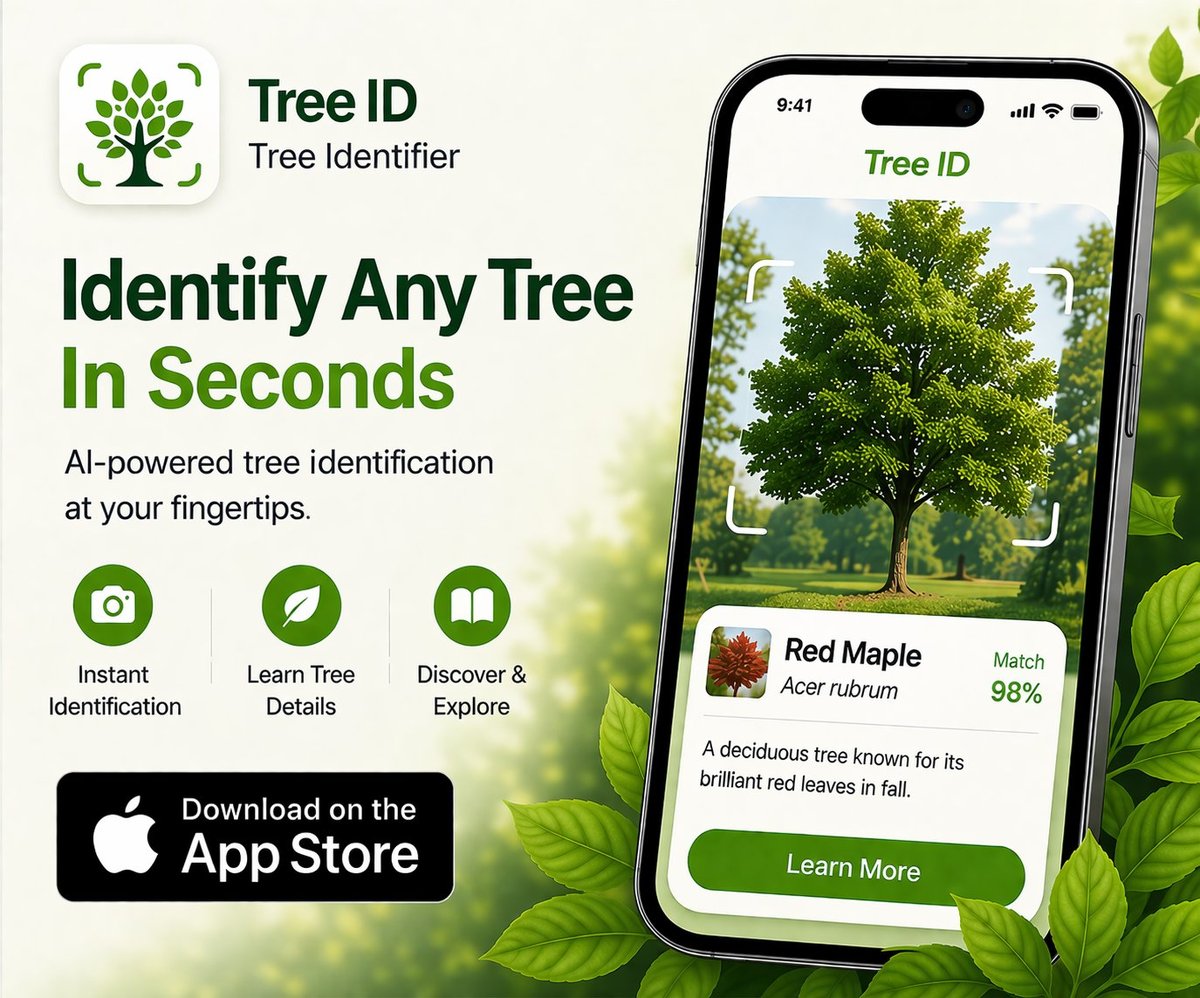
You point your phone at a tree. You snap a photo. You tap "identify." Two seconds later the app says "Red Maple (Acer rubrum)." What just happened?
- The app uploads your photo to a server.
- A pre-trained AI model converts the image into a numerical representation — millions of pixels become a list of features.
- The model has previously learned which feature patterns correspond to which species, by studying millions of labeled tree photos.
- The model outputs a ranked list of probable species with confidence scores.
- The top match (usually) becomes the displayed answer.
- The result is sent back to your phone.
The whole process takes 2-5 seconds, most of which is the photo upload, not the identification itself. The actual model inference — the moment of "thinking" — is often under 200 milliseconds.
What the model is actually looking at
The AI doesn't "see" your photo the way you do. It sees a grid of numbers — each pixel becomes a set of red, green, and blue intensity values. The model's first layers detect simple features:
- Edges (where dark meets light)
- Gradients (smooth color transitions)
- Local textures (repeating small patterns)
- Color blobs
Later layers combine these simple features into more meaningful patterns:
- Leaf shape outline
- Vein structure
- Tooth or lobe arrangement
- Bark fissure pattern
- Branching geometry
Even deeper layers learn species-specific signatures — the combination of features that distinguishes red oak from white oak, or red maple from sugar maple. These features aren't programmed in by a human. The model learns them automatically by being shown millions of correctly-labeled examples and adjusting its parameters until it can predict the labels reliably.
This is why blurry photos confuse AI: the model relies on fine detail (vein patterns, edge serrations, bark texture) that gets smeared when focus or lighting is poor.
What "convolutional neural network" actually means
The dominant architecture for image classification is the convolutional neural network (CNN). The "convolutional" part refers to how the model scans across your photo with small filters — like a magnifying glass moving across the image — to detect features at every location. This is why a CNN can identify a tree whether the leaf is in the upper-left or lower-right of the frame.
Most tree ID apps use one of a small number of well-known CNN architectures (ResNet, EfficientNet, Vision Transformers in newer apps) that researchers have refined over a decade. The architecture isn't usually what differentiates one app from another — it's the training data and how it's tuned.
Where the training data comes from
An AI model is only as good as the photos it was trained on. Tree ID models typically draw training data from:
- Citizen science platforms. iNaturalist and GBIF (Global Biodiversity Information Facility) have millions of expert-verified photos contributed by users worldwide. This is the largest source for most modern apps.
- Herbarium digitization projects. Museums have scanned millions of dried plant specimens, which provide reference shots even for rare species.
- Forestry agency datasets. The USDA, European forestry institutes, and other agencies maintain reference image libraries for native species.
- Proprietary collection. Some commercial apps gather photos from their user base (with consent in the privacy policy) to retrain and improve their models.
- Synthetic augmentation. Existing photos are rotated, flipped, lit differently, and cropped to create variations and improve generalization.
Apps with strong European coverage usually pulled heavily from European herbaria and citizen-science platforms. Apps stronger in North America usually pulled from USDA datasets and US-focused iNaturalist subsets. This is why coverage by region varies so widely between apps.
Why confidence scores matter
A good tree ID app shows you a confidence score along with the species name. This is the model's estimated probability that the top match is correct. A high score (90%+) means the photo's features clearly match one species and only that species. A low score (under 60%) means the model is hedging.
Low confidence happens for these reasons:
- The photo is unclear (blur, poor lighting, busy background)
- The tree's species is close to the model's distribution boundary (a hybrid, a cultivar, a damaged specimen)
- The tree's species isn't well represented in training data
- The photo shows multiple species (vine through tree, tree behind tree)
The right response to low confidence: take another photo of a different feature, or try a different app. A 45% confidence "Japanese stewartia" identification deserves a sanity check, even if it's the top match.
Why two photos of the same tree can give different results
People sometimes get frustrated when an app gives one answer for a leaf photo and a different answer for a bark photo of the same tree. This isn't a bug — it's how the model works.
The CNN doesn't "know" both photos came from the same tree. It's evaluating each photo independently, matching it against its training set. If the leaf photo matches red maple training data best but the bark photo matches red oak training data best, the model returns those two different answers. The correct response is to trust the more distinctive feature (usually leaf), or to use an app that accepts multiple photos and combines them into a single confident answer.
Another source of variation: the model returns slightly different scores each time even for the same photo, because most deployment pipelines use some randomness (dropout, ensemble methods) for robustness. The visible answer is usually stable, but the confidence percentage can shift by a few points.
What "AI" can't do (yet)
Despite impressive accuracy on common species, modern tree ID AI has clear limits:
- Cultivar identification. "Acer palmatum 'Bloodgood'" vs "Acer palmatum 'Crimson Queen'" — the underlying species is correctly identified, but cultivar-level distinctions are usually beyond what the AI can do from a photo.
- Hybrids. Crosses between species often have intermediate features that confuse models trained on pure species. iNaturalist's community ID handles hybrids better than AI alone.
- Disease and pest diagnosis. "This is an ash" is different from "this ash has emerald ash borer." Most apps identify the tree but not its condition.
- Age and health assessment. The model doesn't estimate how old or healthy the tree is from the photo.
- Rare or recently-introduced species. If a species was added to your region's flora after the model was trained, it won't be recognized.
- Distinguishing similar features across unrelated species. Many oaks have similar bark. Many pines have similar needles. The AI can't perform miracles when the features genuinely overlap.
For everything in this list, the answer is the same: combine the app with a field guide, an experienced naturalist, or a community ID platform like iNaturalist. The AI is a fast first pass, not a final answer.
How modern apps keep improving
Tree ID accuracy improves over time through:
- More training data. Each year, citizen-science platforms add millions of new verified photos.
- Better architectures. Vision transformers and other newer architectures outperform older CNNs.
- Feedback loops. Users correcting wrong identifications (where the app allows it) provides signal for future training.
- Targeted data collection. Apps with weak coverage on certain regions or species deliberately gather more data from those gaps.
- Multi-modal models. Newer approaches combine image features with location data, season, and ecological context for higher accuracy.
The practical takeaway: an app's accuracy today is not its accuracy a year from now. The major apps update their models periodically. If you tried a tree ID app two years ago and found it disappointing, it's worth re-testing today.
How Tree Identifier approaches this
Tree Identifier uses a tree-specific AI model deployed via secure cloud infrastructure. The model is trained on diverse tree imagery covering leaf, bark, and whole-tree features, with particular focus on bark identification (where many generalist plant apps are weak). Photos are processed in real time and not stored on the company's servers after identification completes — the AI inference happens, the result is returned, and the photo is discarded. No personally identifiable information is attached to any image submitted for identification.
The app shows confidence scores alongside results so users can judge when a second photo or second opinion is warranted. Identification history stays on the user's device, never on a server.
Frequently asked questions
Does the AI actually understand what a tree is?
No, not in any meaningful sense. It's a statistical pattern matcher. The model has learned associations between visual patterns and species labels, but it doesn't "know" anything about trees the way a botanist does. It can't reason about why a feature is diagnostic — only that it correlates with the label in training data.
Can the AI make stuff up?
Sort of — though not in the same way large language models hallucinate. The AI always returns a species from its training set; it never invents a new species. But it can confidently return the wrong species when the photo matches a similar-looking species better than the actual one. This is why confidence scores matter and why double-checking matters for unfamiliar IDs.
How accurate is tree ID AI on common species?
For common, well-photographed species in the model's primary training region, top-1 accuracy (the first guess being right) is typically 85-95%. Top-3 accuracy (the right answer being somewhere in the first three guesses) is usually 95%+. For rare species, hybrids, or poorly photographed inputs, accuracy drops significantly.
Does the model use my location?
Some apps do, some don't. Apps that incorporate location can boost the probability of locally-native species and reduce false positives from similar-looking species in other regions. Privacy-focused apps may not request location to minimize data collection — a trade-off between accuracy and privacy.
Could the AI ever be 100% accurate?
Not realistically, because some species genuinely can't be distinguished from a photo alone — they require microscopic features, DNA testing, or close anatomical inspection. The theoretical ceiling for photo-based tree ID is somewhere below 100%; estimates among researchers vary but most agree we're approaching diminishing returns on common species.
Why does the AI sometimes confidently identify a photo that doesn't show a tree at all?
Because most tree ID models are classifiers, not detectors — they assume the photo shows a tree and pick the species that best matches. Submit a photo of a wall or a person and the model still picks the "closest" tree species in its training set. Some newer apps detect non-tree photos and refuse to identify, but many don't.
Will on-device AI tree ID happen?
Probably yes, eventually. Phone chips are getting fast enough to run smaller image models locally, and tree ID models are gradually being compressed. The trade-off is accuracy: an on-device model is typically less accurate than a server-side one because it has to fit in limited memory. For now, server-side inference remains the standard for serious accuracy.
Try Tree Identifier — free on iPhone
See AI tree identification in action. Confidence scores included.
Download on the App Store